 Bilvy
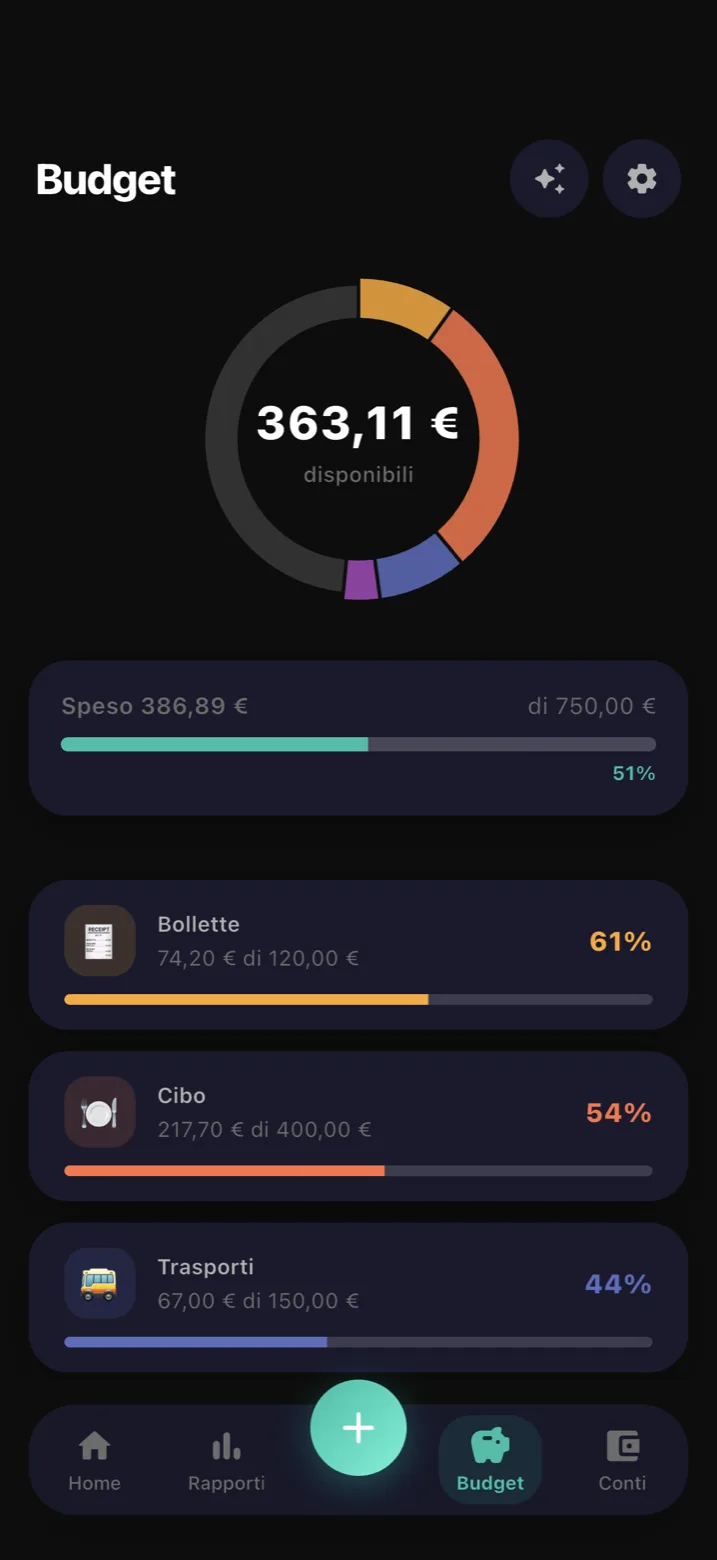
Budgets that warn you early
Set a monthly limit for each category and the app warns you when you are about to go over it, not after.
No bank account to link, no account to create, no internet needed. Write down what you spend and see where your money goes.
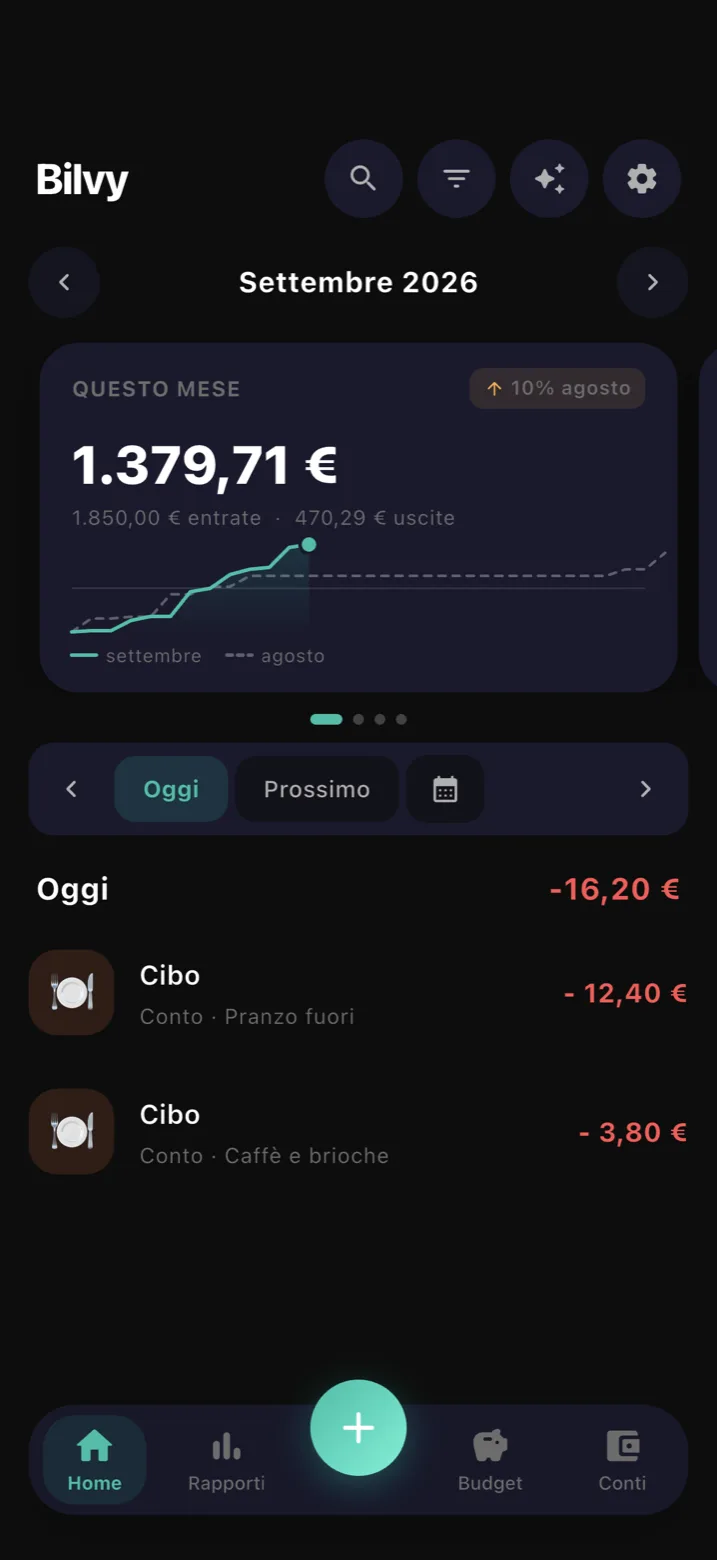
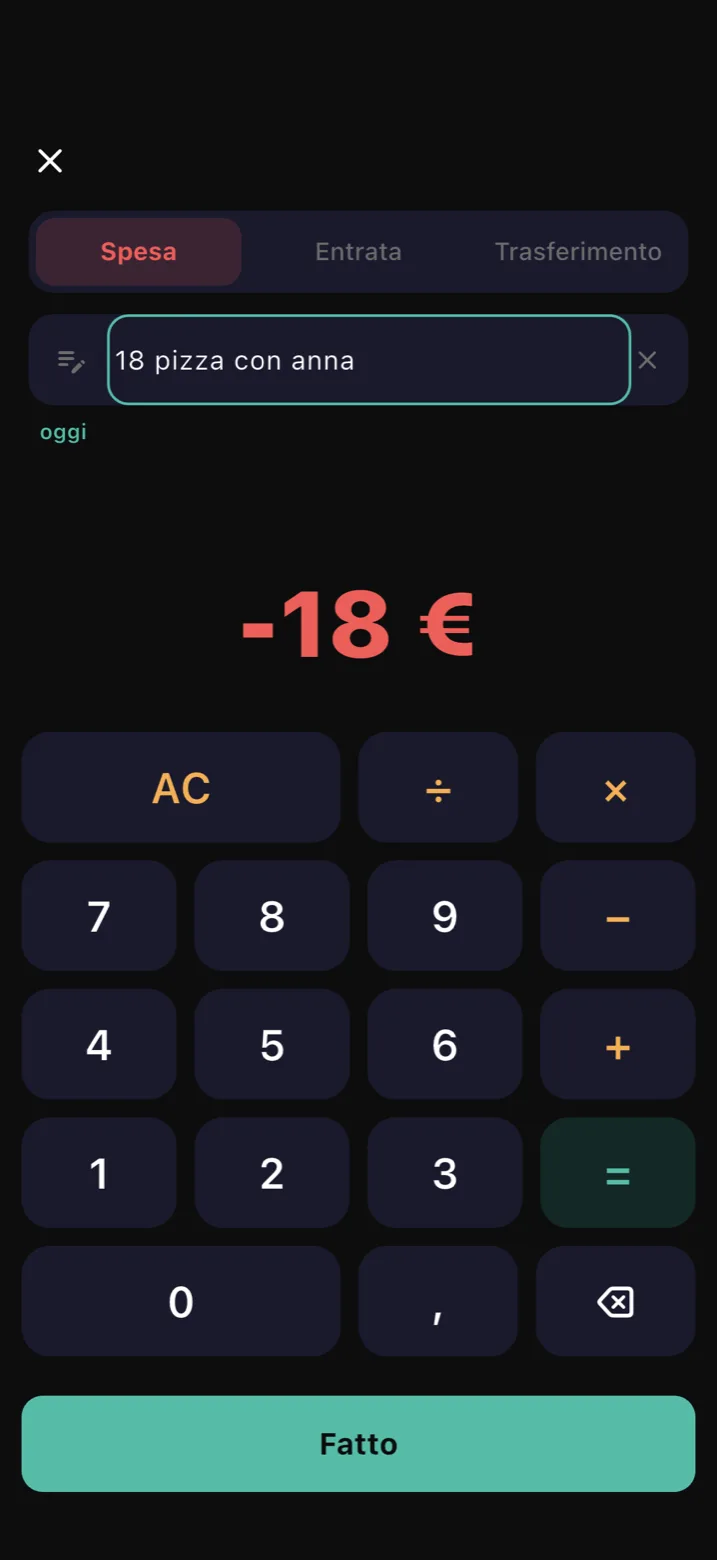
You log an expense with one sentence, the way you would say it out loud. No forms to fill in.
18 pizza with anna
Budgets, categories and reports: what you need to understand your month, without spreadsheets.
Set a monthly limit for each category and the app warns you when you are about to go over it, not after.
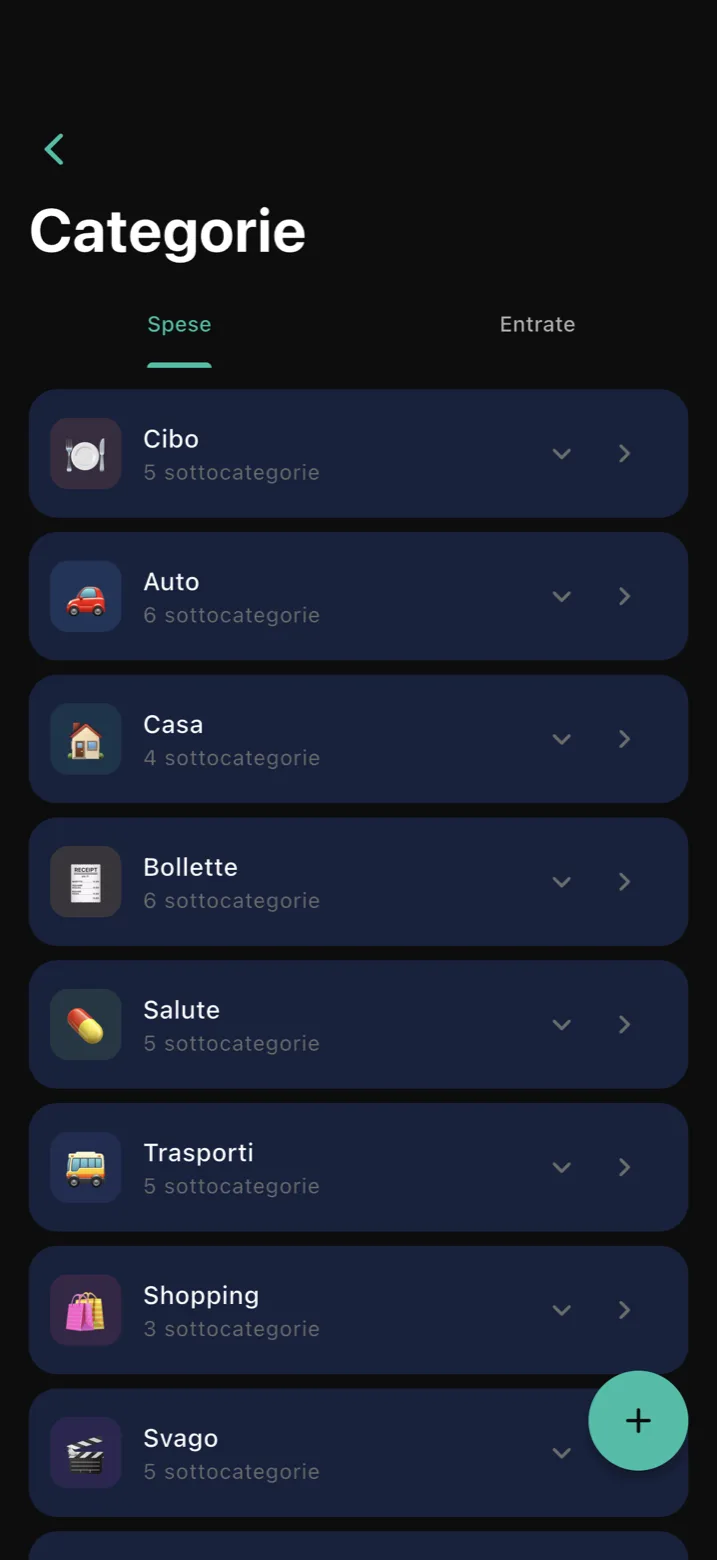
Create and rename categories and subcategories as you like, so your numbers match your life.
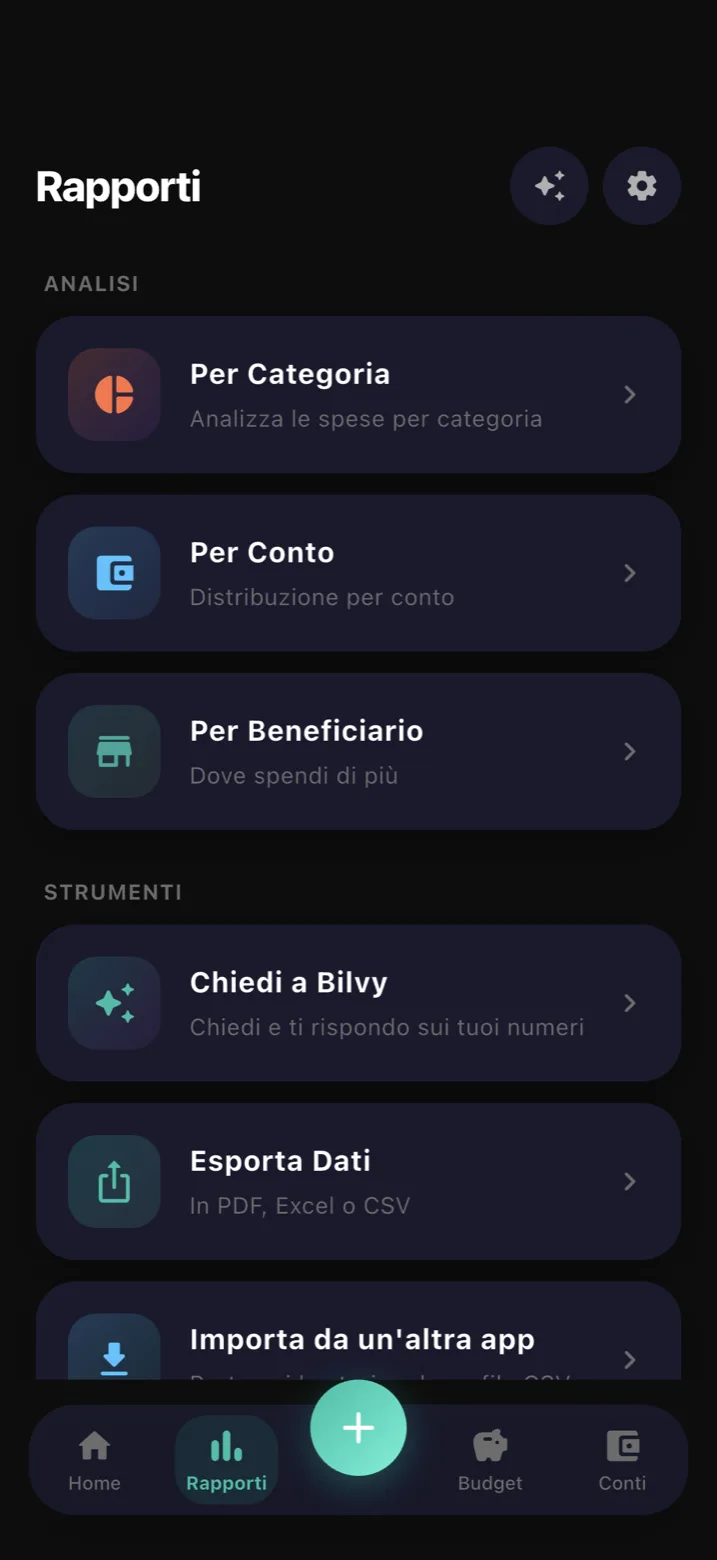
Month by month, see where your money goes: by category, by account, by payee.
Type how much did I spend at restaurants in September? and the assistant gives you the number, with no charts to open. Your phone understands and works out everything, even without internet: your questions never leave your device.
And there is more: recurring expenses, multiple accounts with transfers, CSV import, full backup, export to CSV, PDF and Excel, and a widget.
Bilvy doesn't need to know who you are to work. Here is where what you write ends up.
Every expense is saved in storage on your phone. The app works on a plane or with no signal, and with no account.
To have the same data on several phones you create an account, and your expenses are copied to servers in Europe, in Stockholm. Without Cloud they stay only on your phone.
Usage statistics are sent only if you say yes. They never contain the amounts, notes or names of your expenses.
They help find and fix problems: they are cleaned before sending, and you can turn them off.
You can require your face, fingerprint or passcode to open Bilvy: whoever picks up your phone can't see your accounts.
It doesn't ask for access to your bank account, doesn't read your bank transactions, doesn't show ads and doesn't sell your data.
All the details are in the privacy policy.
“I wanted to know where my money was going, without giving my bank details to anyone.”
For the first month you get all the Pro features, free. Then you choose: the app stays yours even if you don't pay, and no expense disappears.
forever
one-time payment
yearly subscription
Prices are shown in the App Store and on Google Play. Apple and Google handle purchases and subscriptions: you cancel a subscription from the store settings on your phone.
Bilvy is coming soon to the App Store and Google Play: the same app, in five languages.